Dynamic OG images from one signed URL.
An OG image API renders the 1200×630 social card for a page from its own data — title, author, price, date — so every page gets a distinct image without a build step or an image file to store. Shotium renders with a real browser, signs the URL, and caches it at the edge; the framework guides below show where the one line of code goes.
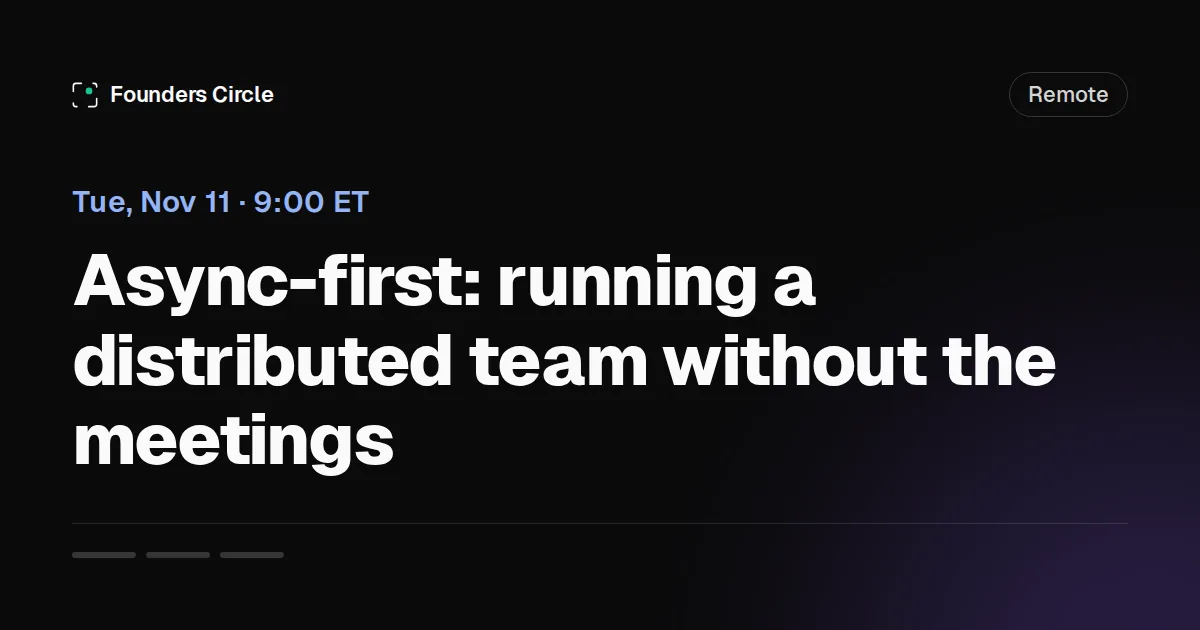
event template from a signed URL, not a mockup.Pick your framework
- Next.jsgenerateMetadata returns a signed URL; keep ImageResponse for simple text cards.
- AstroCompute the signed URL in a layout's frontmatter — build-time, zero runtime dependency.
- NuxtA server route signs, useSeoMeta prints — the exact pattern this site's blog runs.
- All five templatesBlog, product, podcast, event, minimal — parameters and real sample output.
- Try one without signing upThe free generator renders the same templates in the browser — see the output before writing code.
How does a signed OG image URL work?
A signed OG image URL is a GET request to https://api.shotium.com/v1/og-image whose query string carries the template name, the template's parameters, your account's uid, and an HMAC-SHA256 signature over all of them. Your server computes the signature once with your signing secret and prints the finished URL into the page's og:image tag; no API key appears anywhere public. When a crawler fetches the URL, the API verifies the signature, renders the template in a real browser, returns the image with Cache-Control: public, max-age=86400, immutable, and bills one render. Every later fetch of the same URL is served from Cloudflare's edge and is free — it counts against neither quota nor rate limits. Change a parameter and the signature no longer matches, so you sign again and get a new URL that renders a new card; the old one simply stops being referenced. A parameter changed without re-signing returns 401.
https://api.shotium.com/v1/og-image
  ?author=Maya%20Chen&site_name=roadmap.dev&tag=Product
  &template=blog&title=Why%20we%20rewrote%20our%20onboarding%20flow%20twice
  &uid=YOUR-UID
  &sig=…   # hex HMAC-SHA256 over the query above, keys sorted, RFC 3986-encoded
The canonical form — sort keys by byte order, RFC 3986-encode keys and values, join with &, sign the result — is specified with runnable Node and Python examples in the API reference. Each framework section below carries the same nine lines in that framework's idiom.
Per-page OG images in Astro, computed at build time
Astro's frontmatter runs on the server — at build time for static output, per request in SSR — and never in the browser. That makes it the natural place to sign an OG image URL: the layout reads the page's props, computes one signed URL, and prints it into <head>. No satori integration to configure, no fonts to bundle, no PNGs in dist/.
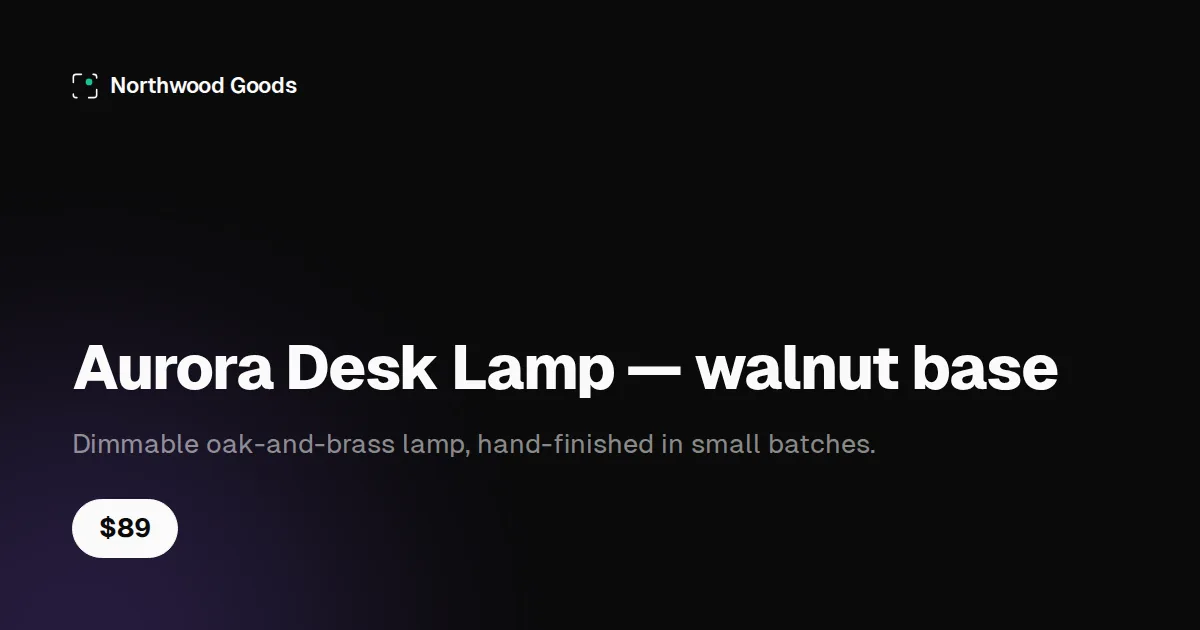
product template with the parameters in the code below.Astro: compute the signed URL in the layout's frontmatter
Non-PUBLIC_ environment variables are server-only in Astro, so the secret stays out of the client bundle by construction. Every page that uses the layout gets its own card from its own props:
---
// src/layouts/ProductLayout.astro
import { createHmac } from 'node:crypto'
const { title, brand, price, description } = Astro.props

const rfc3986 = (s: string) =>
  encodeURIComponent(s).replace(/[!'()*]/g, c => `%${c.charCodeAt(0).toString(16).toUpperCase()}`)

function signedOgUrl(params: Record<string, string>, secret: string) {
  const canonical = Object.entries(params)
    .sort(([a], [b]) => (a < b ? -1 : 1))
    .map(([k, v]) => `${rfc3986(k)}=${rfc3986(v)}`)
    .join('&')
  const sig = createHmac('sha256', secret).update(canonical).digest('hex')
  return `https://api.shotium.com/v1/og-image?${canonical}&sig=${sig}`
}

const ogImage = signedOgUrl({
  template: 'product', title, brand, price, description,
  uid: globalThis._importMeta_.env.SHOTIUM_UID,
}, globalThis._importMeta_.env.SHOTIUM_SIGNING_SECRET)
---
<html lang="en">
  <head>
    <title>{title}</title>
    <meta property="og:title" content={title} />
    <meta property="og:image" content={ogImage} />
    <meta property="og:image:width" content="1200" />
    <meta property="og:image:height" content="630" />
    <meta name="twitter:card" content="summary_large_image" />
  </head>
  <body><slot /></body>
</html>
Astro questions
Does this work in both static and SSR output?
Yes. In static output the URL is computed once at build and baked into the HTML; in SSR it is computed per request. Either way the secret is only ever read on the server, and the image itself is rendered by the API on the first crawler fetch, not during your build.
How do I do this for a content collection?
Pass the entry's data into the layout as props — title, author, tags — and sign those. Each entry gets a distinct URL because the parameters differ; the layout code does not change.
Why not astro-og-canvas or a satori integration?
Both are good free options if you want to own the template and are happy to maintain fonts and rendering in your build. The trade here is the opposite: five fixed templates rendered by a real browser, nothing added to the build, and the card stays identical across every site that uses the same template.
Dynamic OG images in Nuxt with useSeoMeta and one signed URL
shotium.com is a Nuxt site and its blog uses this exact pattern: a server route signs the URL from private runtime config, the page reads it with useAsyncData and prints it with useSeoMeta. nuxt-og-image is the excellent free module for Nuxt — if you want full control of the design in a Vue component, use it. This is for when you would rather not ship Chromium in your deployment.
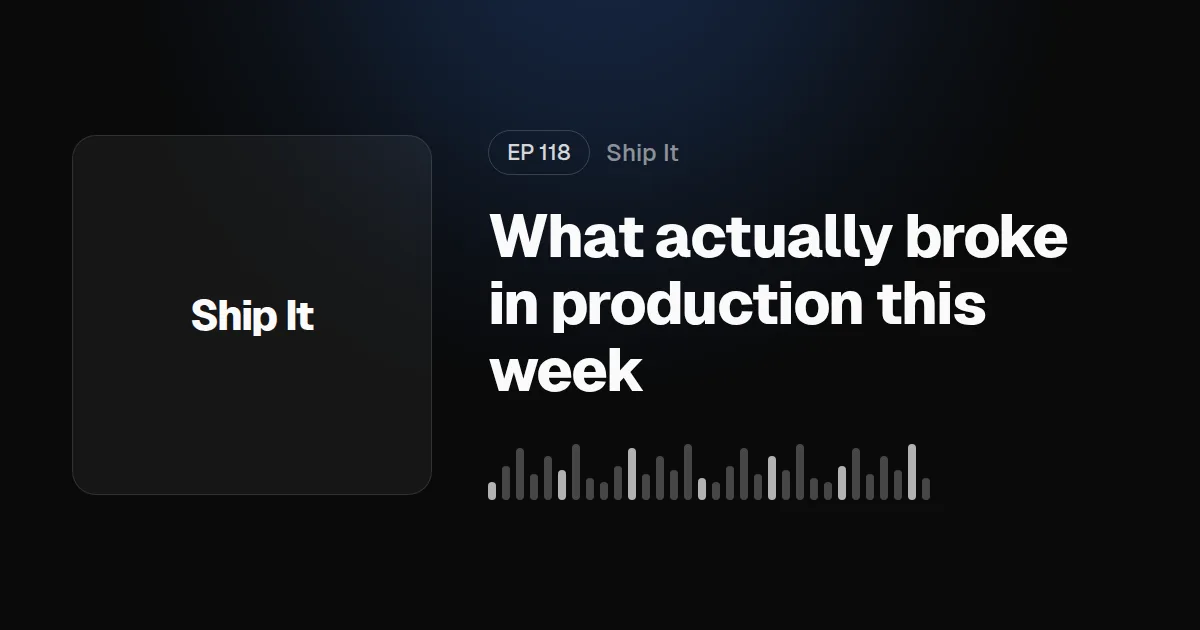
podcast template with the parameters in the code below.Nuxt: sign in a server route, print with useSeoMeta
The route only signs content it can look up itself — here a blog post by path — so it cannot be turned into a free signing endpoint for arbitrary parameters. Credentials come from private runtime config (NUXT_OG_SIGNING_UID / NUXT_OG_SIGNING_SECRET) and the page degrades to a static og.png when they are absent:
// server/api/og.get.ts
import { createHmac } from 'node:crypto'
import { queryCollection } from '@nuxt/content/server'

const rfc3986 = (s: string) =>
  encodeURIComponent(s).replace(/[!'()*]/g, c => `%${c.charCodeAt(0).toString(16).toUpperCase()}`)

function signedOgUrl(params: Record<string, string>, secret: string) {
  const canonical = Object.entries(params)
    .sort(([a], [b]) => (a < b ? -1 : 1))
    .map(([k, v]) => `${rfc3986(k)}=${rfc3986(v)}`)
    .join('&')
  const sig = createHmac('sha256', secret).update(canonical).digest('hex')
  return `https://api.shotium.com/v1/og-image?${canonical}&sig=${sig}`
}

export default defineEventHandler(async (event) => {
  const { ogSigning } = useRuntimeConfig(event)            // private: never reaches the client
  if (!ogSigning?.uid || !ogSigning?.secret) return { url: null }

  const path = String(getQuery(event).path ?? '')
  const post = await queryCollection(event, 'blog').path(path).first()
  if (!post) return { url: null }                           // only real posts get signed

  setHeader(event, 'cache-control', 'public, max-age=3600')
  return {
    url: signedOgUrl({
      template: 'blog', title: post.title, author: 'Shotium engineering',
      site_name: 'shotium.com', tag: 'Engineering', uid: ogSigning.uid,
    }, ogSigning.secret),
  }
})
The page: one useAsyncData, one useSeoMeta
Getters keep the meta tags reactive to the fetched URL, and the fallback keeps social cards working on a fresh checkout with no secrets configured:
<script setup lang="ts">
// pages/blog/[slug].vue
const route = useRoute()
const { data: og } = await useAsyncData(`og:${route.path}`, () =>
  $fetch<{ url: string | null }>('/api/og', { query: { path: route.path } }),
)

useSeoMeta({
  ogImage: () => og.value?.url ?? 'https://example.com/og.png',
  ogImageWidth: 1200,
  ogImageHeight: 630,
  twitterCard: 'summary_large_image',
})
</script>
Nuxt questions
When should I use nuxt-og-image instead?
When you want to design the card yourself as a Vue component and are fine running satori or Chromium as part of your build or server. It is the right tool for bespoke designs. Shotium's templates are fixed by design; the trade is no browser in your deployment and one URL that works the same from a Nuxt app, an n8n workflow or a static site.
Does this work with prerendering?
Yes. useAsyncData runs during prerender, so the signed URL is baked into the static HTML; nothing is rendered at build time because the API renders on the first crawler fetch.
Where do NUXT_OG_SIGNING_UID and NUXT_OG_SIGNING_SECRET come from?
They are your Shotium user id and signing secret, issued with your API key on the account page. Declare ogSigning: { uid: '', secret: '' } under runtimeConfig (not runtimeConfig.public) so Nuxt reads them from the environment and never exposes them to the client.
Frequently asked questions
What is an OG image API?
An HTTP API that turns a template name and a set of parameters — title, author, price, date — into a 1200×630 Open Graph image. Instead of designing a card per page or running a headless browser in your build, your code prints one URL into og:image and the API renders the card on the first crawler fetch.
Do I need to store the generated images?
No. The signed URL is the image: it renders on first fetch, is edge-cached for 24 hours as immutable, and re-renders only if the cache expires. There are no files to upload, name or clean up, and nothing to invalidate when content changes — a changed parameter is a new URL.
Can I use my own design instead of the five templates?
Not today. The templates are fixed by design so rendering time, caching and output stay predictable across every account. If a fixed template does not fit, satori-based tools — ImageResponse, nuxt-og-image, astro-og-canvas — let you own the design at the cost of running the rendering yourself.
Which frameworks are covered?
Next.js has a full guide; Astro and Nuxt are covered on this page. Any server-side language works — the URL is plain HTTPS and the signing is nine lines of HMAC-SHA256; complete implementations for Python, Node.js, PHP, Ruby, Go, Java and cURL are in the screenshot API guides.
Try it on your own pages
Sign-up is GitHub or Google OAuth and comes with 100 free render credits — no card. Your uid and signing secret are issued with your first API key. Failed renders never bill; plans from $15/month on pricing.
Screenshots rather than templates? Screenshot API guides by language · Automating without code? n8n node